How do I add the widget?
›
On iPhone, press and hold an empty spot on the home screen, tap the + at the top left and choose LifeCheck. For the lock screen, press and hold it and tap Customize. On Android, press and hold the home screen and drag LifeCheck from Widgets. The widget shows your time left and lets you use "I'm safe" and "+30 min". SOS is deliberately not on the widget. You need the latest app version.
Does LifeCheck Mobility call 112?
›
No. LifeCheck Mobility does not contact official emergency services (112, 911, etc.). It only sends in-app alerts to your designated emergency contacts who have the app. Alert screens offer a one-tap Call 112 button with the details an operator asks for (coordinates, time, battery) ready, but you place the call. Always call official emergency services first in any emergency.
How does the free trial work?
›
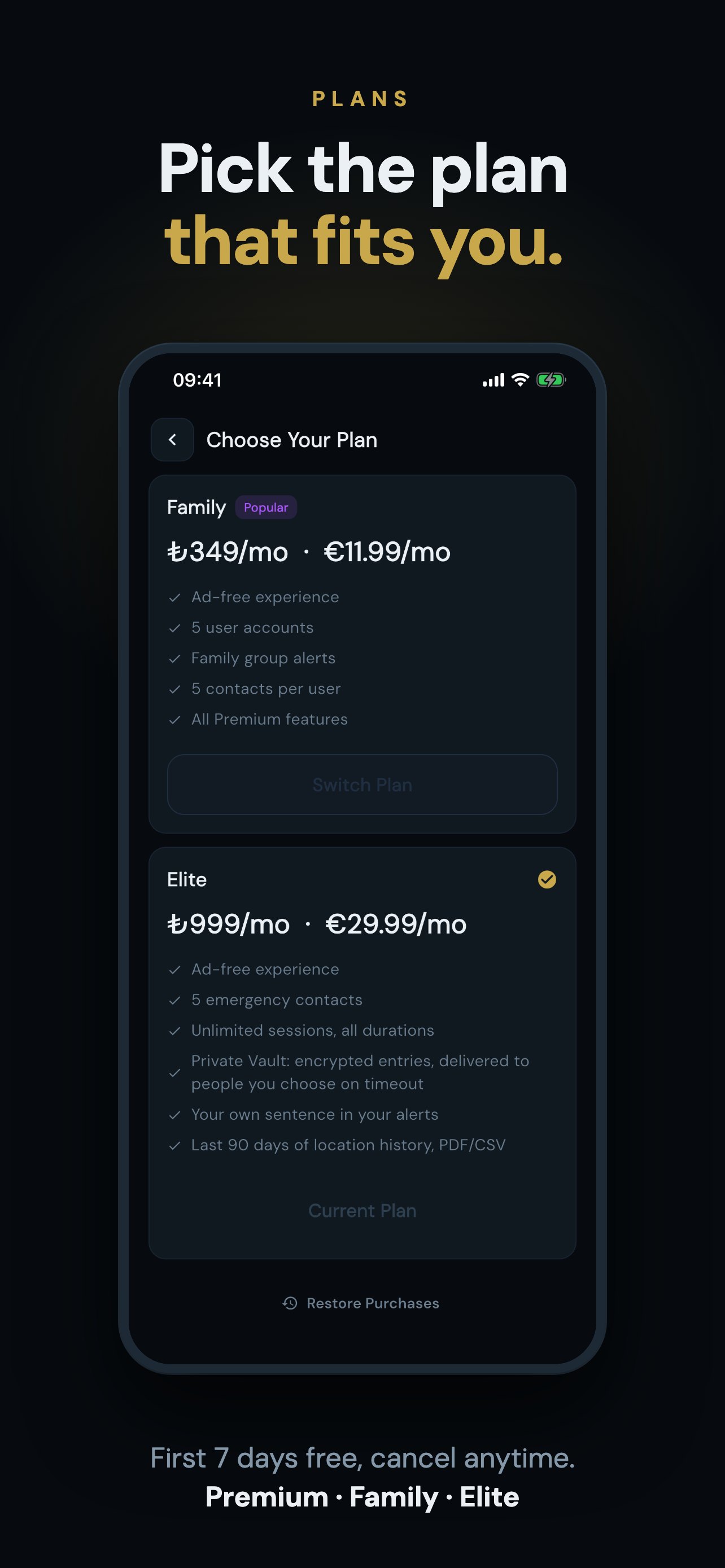
You get full access to all features for 7 days on paid plans. Cancel anytime before the trial ends and you won't be charged. Your card details are securely stored by Apple or Google — never shared with us.
What happens when the timer expires?
›
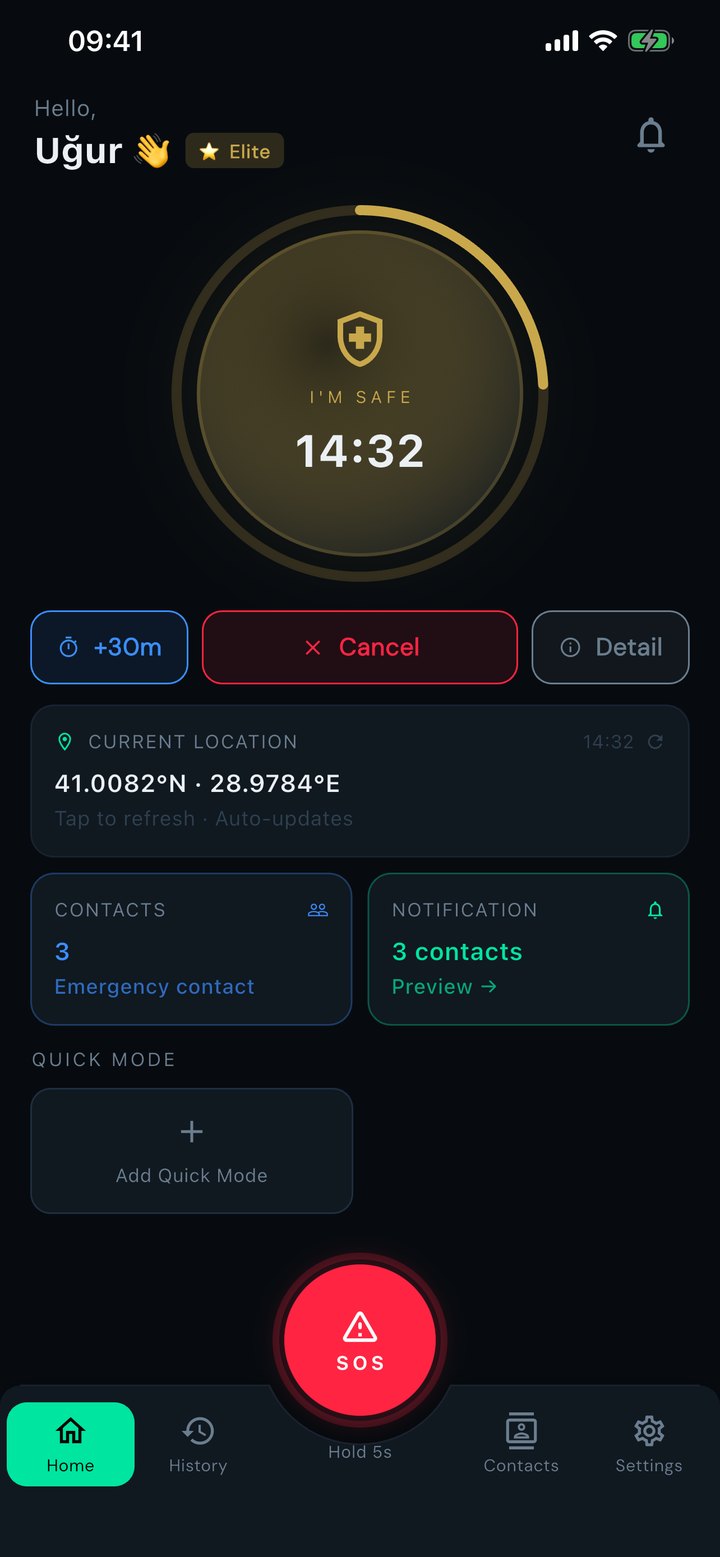
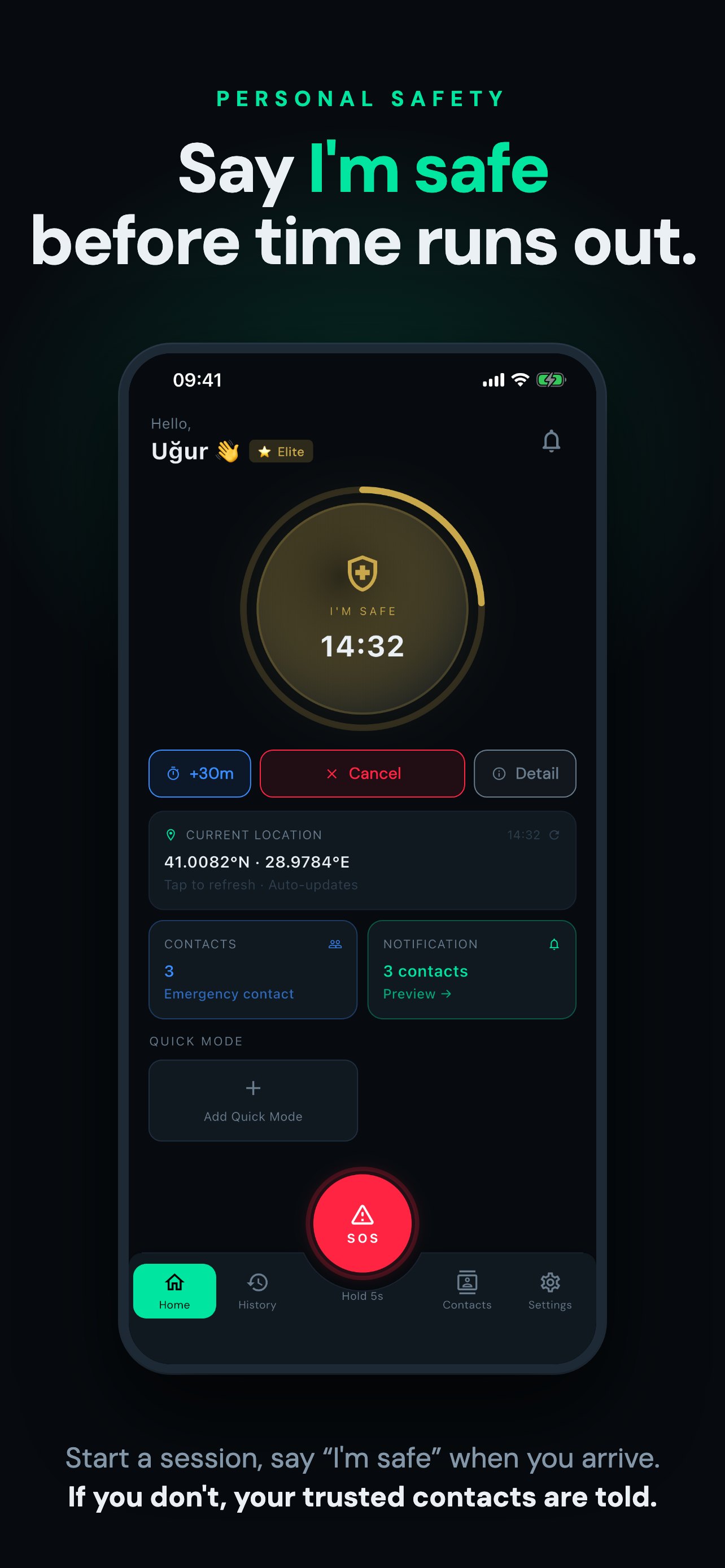
You receive notifications at 30, 10, and 5 minutes before the timer expires. When it does, your emergency contacts who have the app receive an automated alert with your last known location, with reminders if nobody responds. If you confirm you're safe, the alert closes.
Does the app work in the background?
›
Yes. After starting a session you can lock your phone or use other apps. The countdown is also watched on our server: if the timer runs out, the alert is sent even if your phone is off.
Is my personal data safe?
›
Data is stored on Google Cloud (Firebase): the database is in the United States and server functions run in Belgium. Our texts are written under KVKK and GDPR. Location is erased after 90 days; if you delete your account your data is erased immediately. We do not sell your data. Ads appear on the free plan only and we do not use your location, contacts or sessions for advertising.
How does the Family Plan work?
›
The plan owner generates an invite code within the app. Up to 4 more people can join with the code — 5 users total. Members don't pay separately. If the owner cancels, all members revert to the free plan.
What is the Private Vault? (Elite)
›
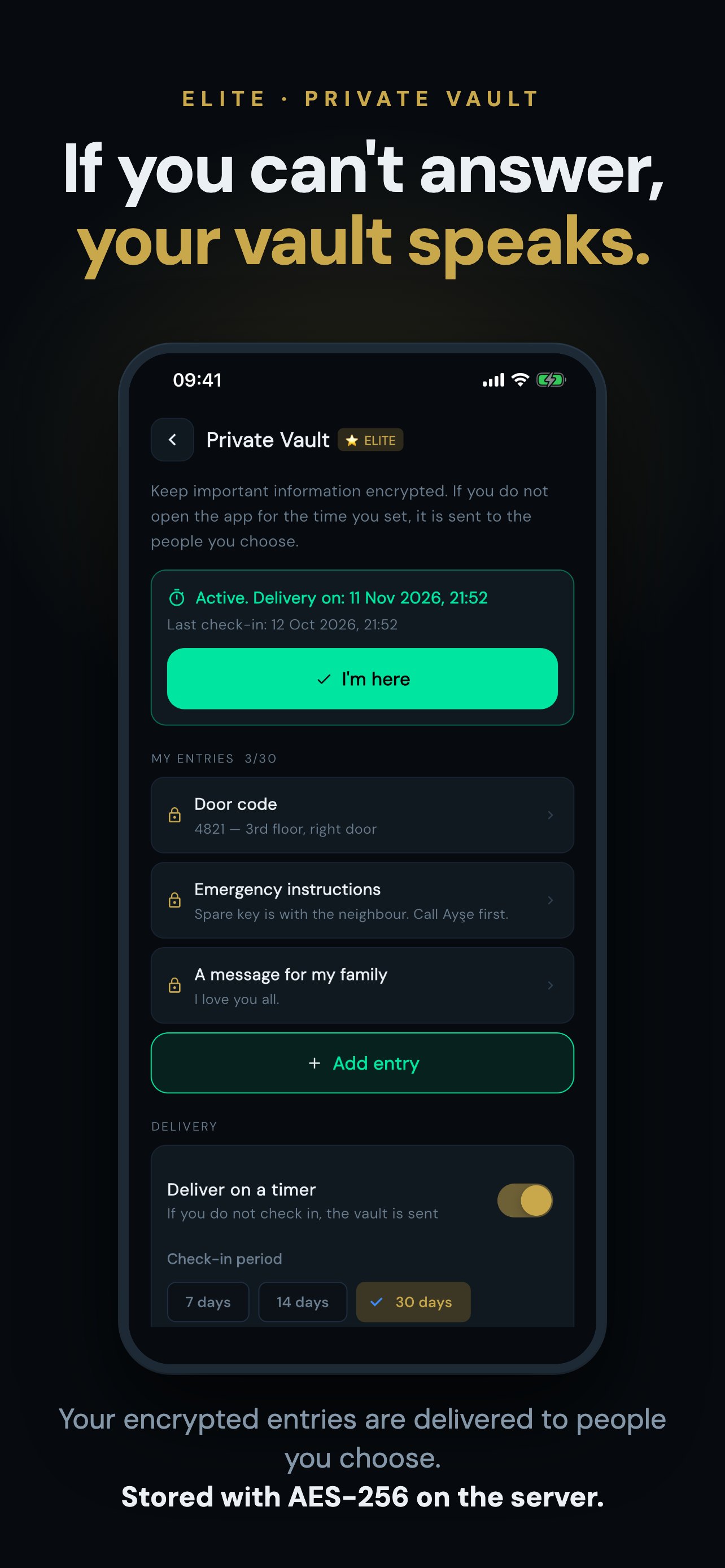
You keep important information such as passwords, instructions or a message encrypted. If you turn delivery on and pick an interval (7 to 90 days) and do not tap "I'm here" in that time, the vault is delivered to the emergency contacts you chose, who can save it as a PDF. You get reminders before time runs out. The vault is encrypted on the server (not end-to-end), is not a will or legal document, and delivery is not guaranteed.
How do I add my emergency contacts?
›
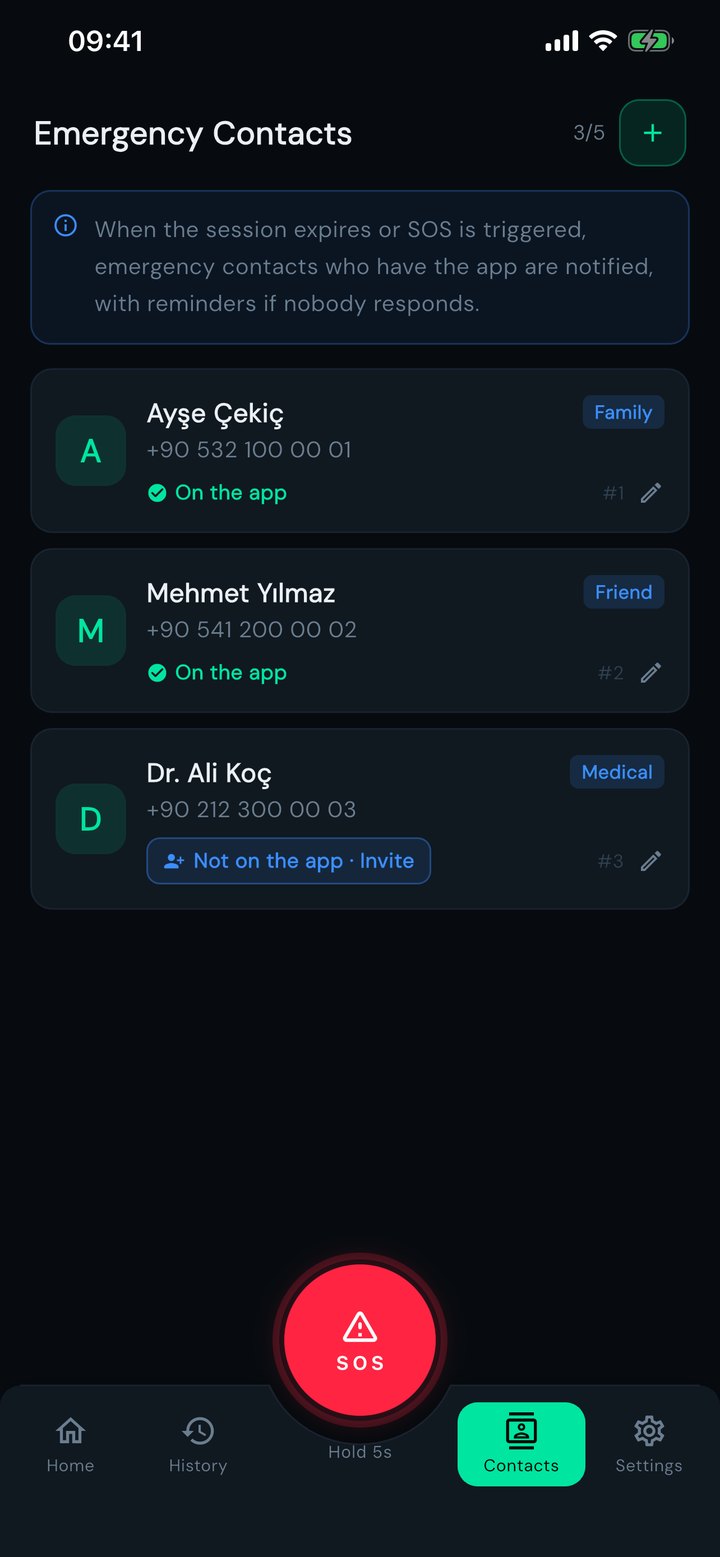
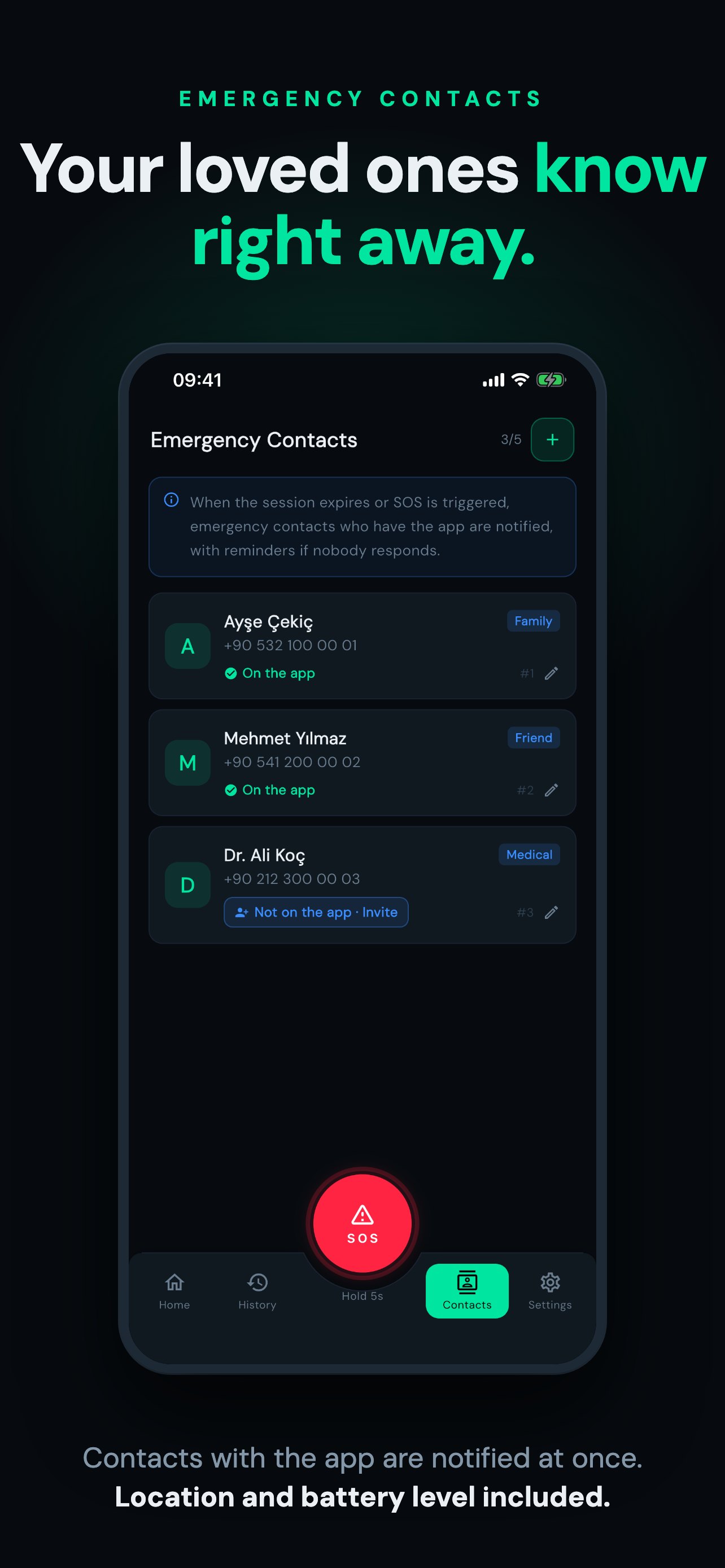
On the Contacts screen add the person and tap "Invite"; send the invite link through WhatsApp, SMS or any app. They tap the link, install the app and sign up; the app recognises the invite and you pair with one tap, no code to type. From that moment you both see each other as "On the app" under Contacts and receive each other's alerts. To type a code by hand, use "Have an invite code?" on the Contacts screen.
How do I know someone has seen my alert?
›
The moment a contact opens your alert and taps "I've seen it, I'm on it", your screen shows "Elif saw your alert and is on it". From the same window you can call 112 with one tap; your coordinates, time and battery level, the details an operator asks for, are ready. If nobody answers, your contacts keep getting reminders until someone does.